
· software, by The Luxe Exchange
the software we run on the floor,
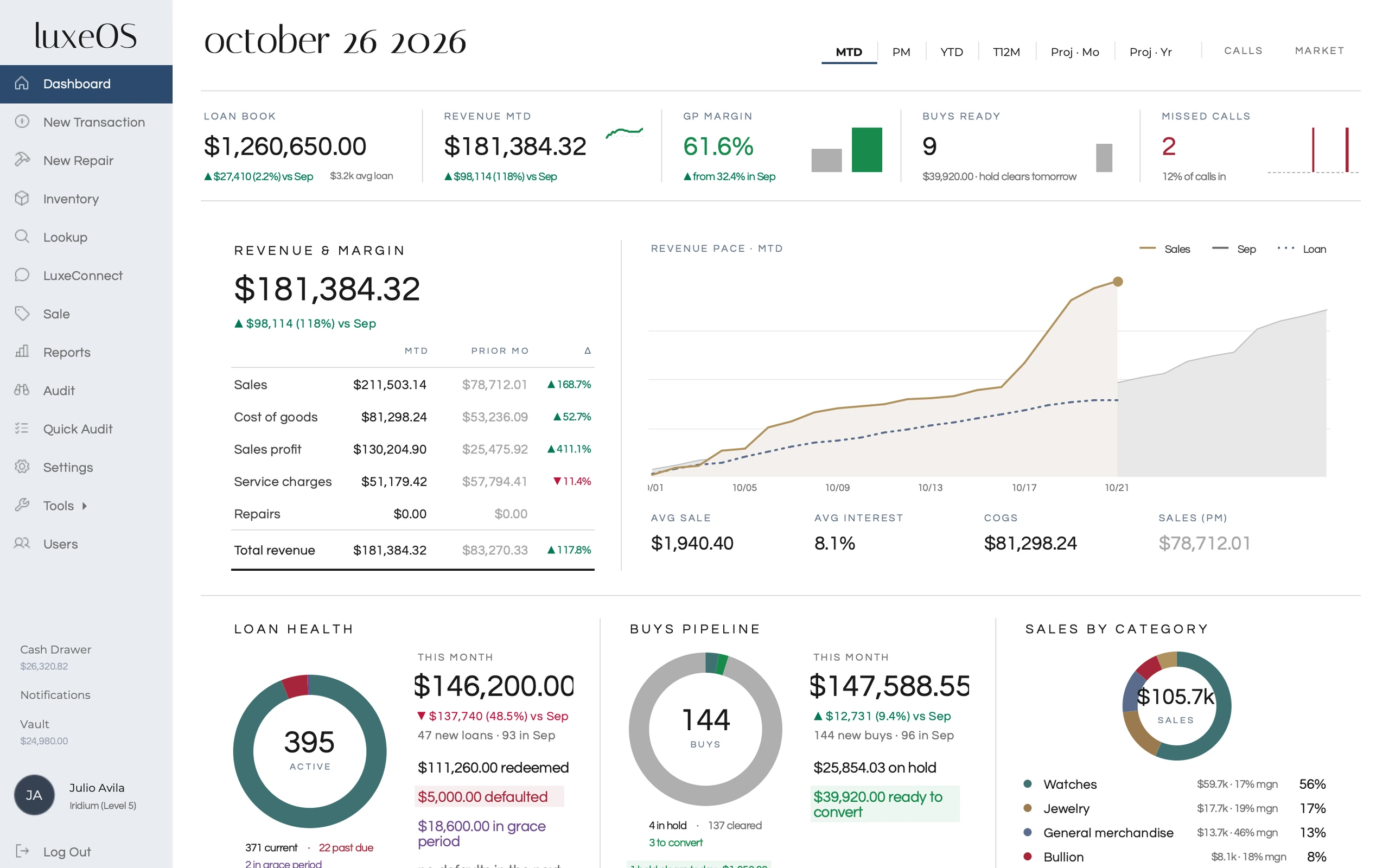
Two tools, both built inside a working luxury pawn and jewelry shop. LuxeOS runs the counter: lending, sales, inventory, buying and repairs. LuxeConnect runs the conversation. Made by operators who use them every day.
· built by operators, for operators
not adapted from retail. built behind the counter.
Most shop software is generic retail point of sale with a loan screen bolted on. This was built the other way around. It started as the system we needed to run our own floor, then got refined transaction by transaction. A lot of what is inside simply is not in the tools shops use today.
· LuxeOS · the desktop
software for the whole counter
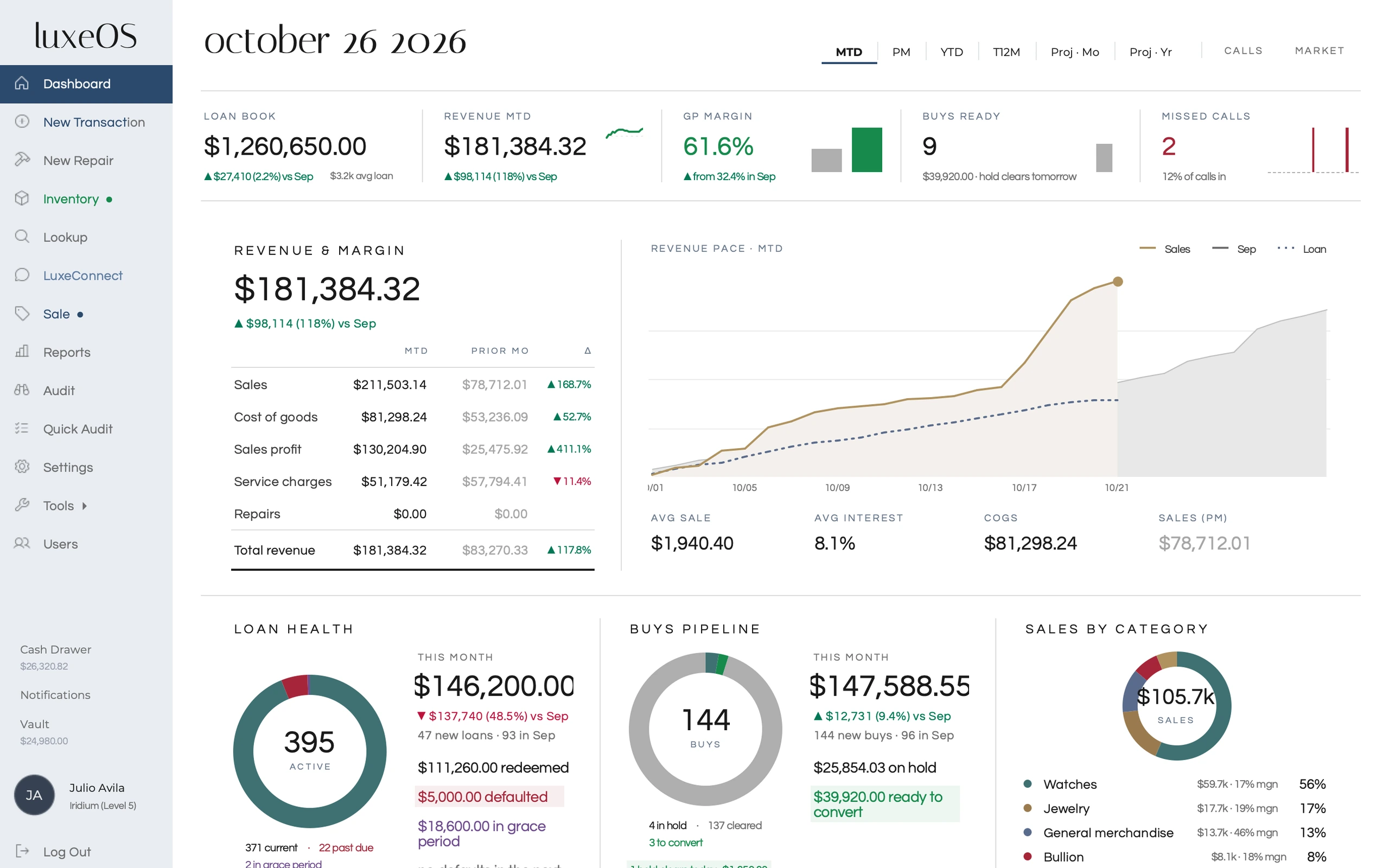
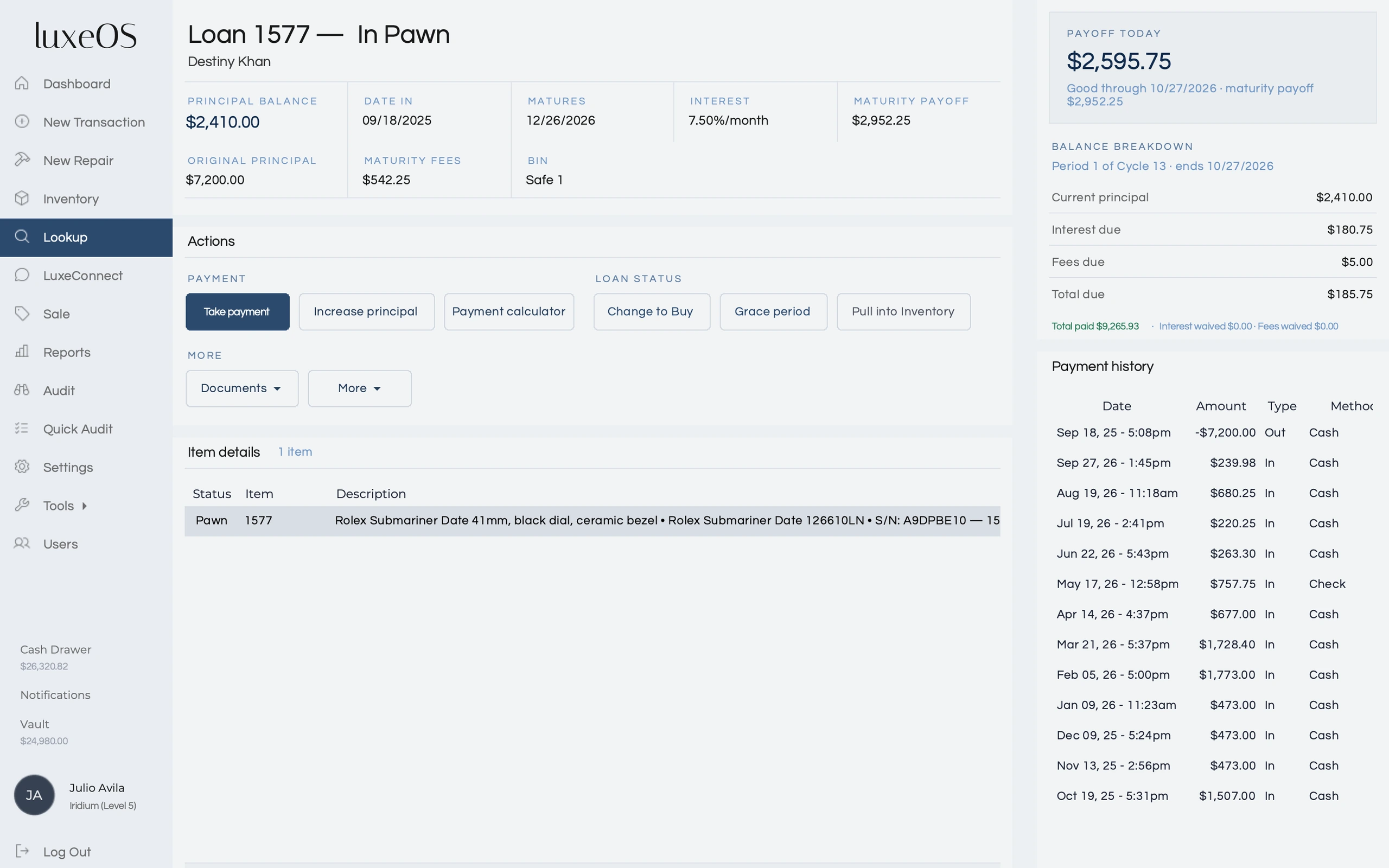
Write a loan, take a payment, ring up a sale, buy a piece, send a repair to the bench. It all happens in one place, on one screen, against one record per customer.
- Pawn & lending: loans, payments, extensions, renewals, payoffs and forfeitures
- Retail point of sale, inventory, layaway, buying and repairs
- Cash-drawer counts, reporting and dashboards
- Keeps ringing up sales even when the internet drops
· LuxeConnect · the line
every customer conversation, in one inbox
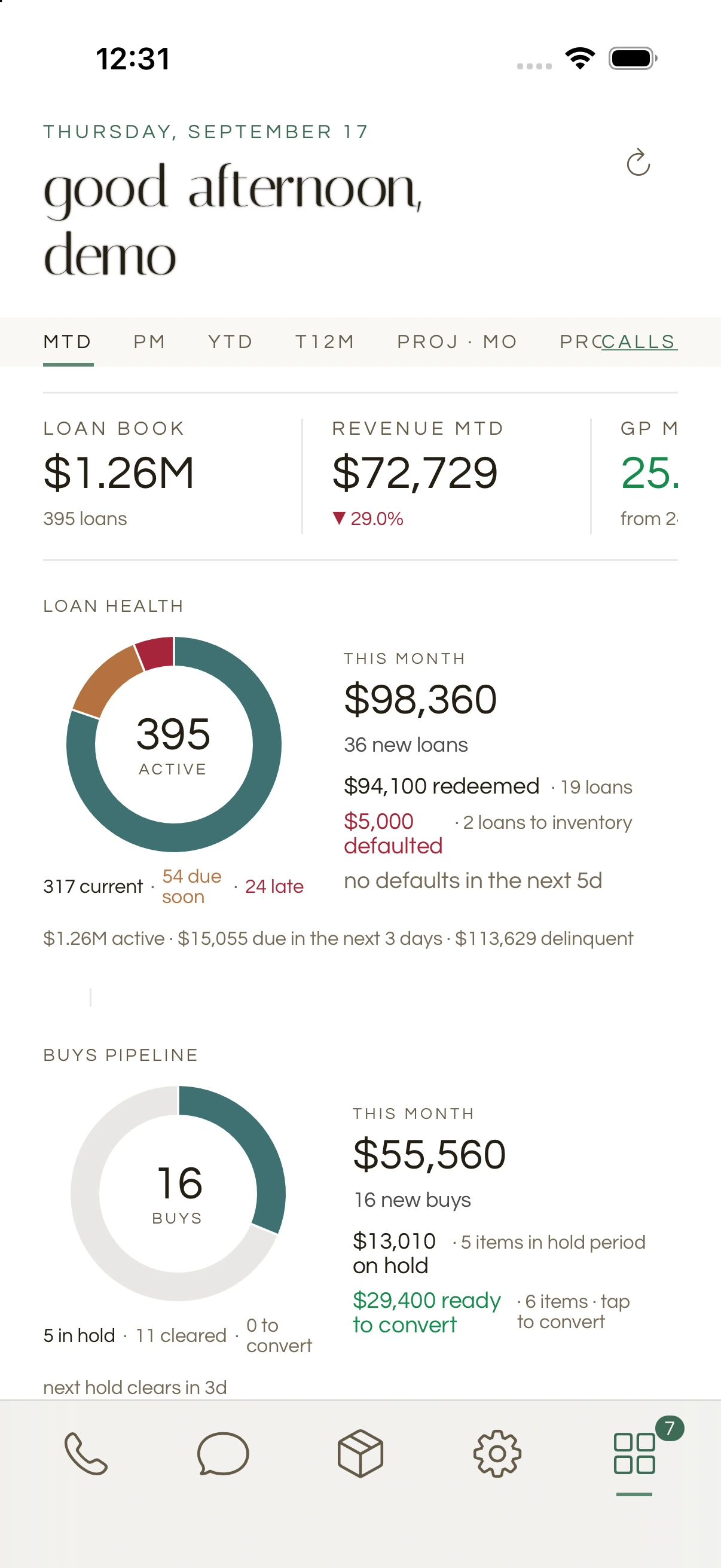
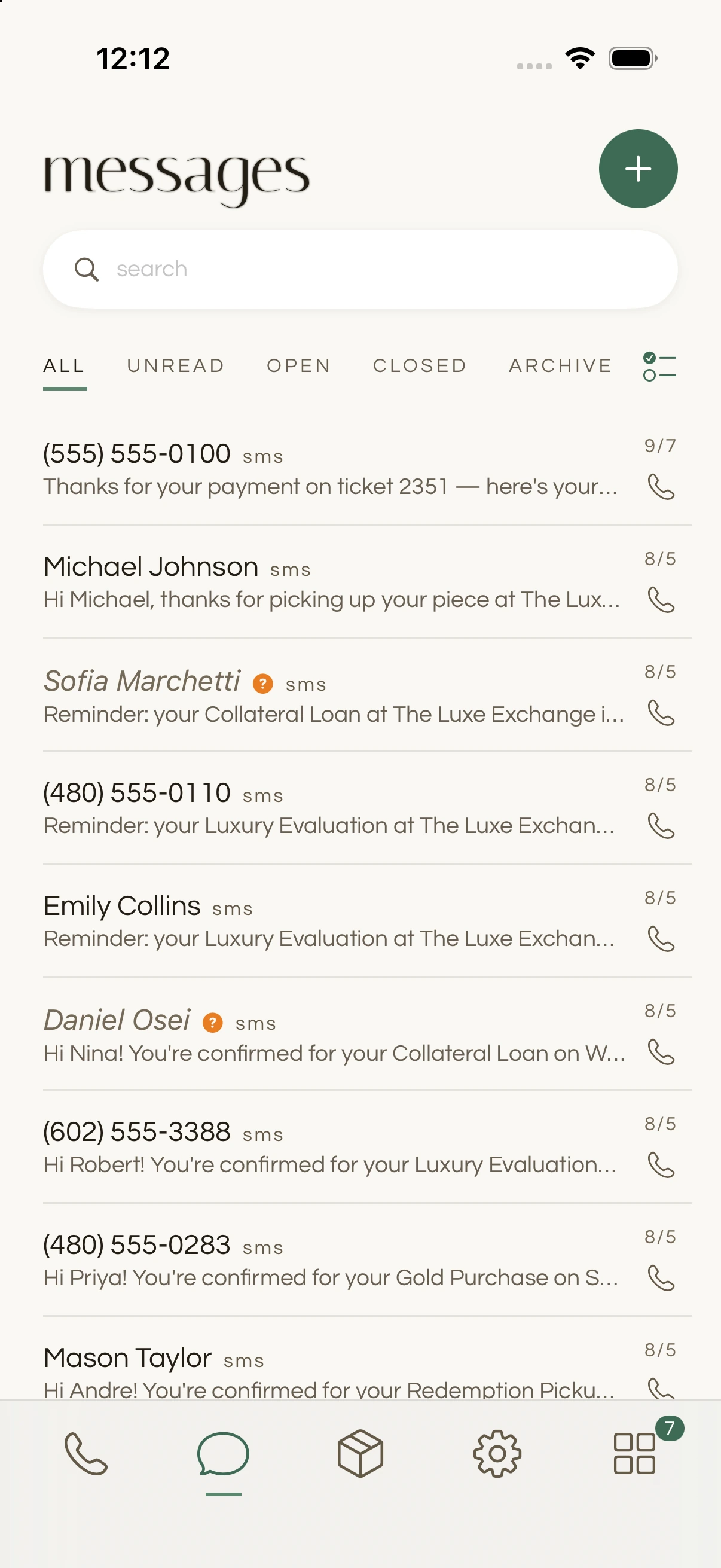
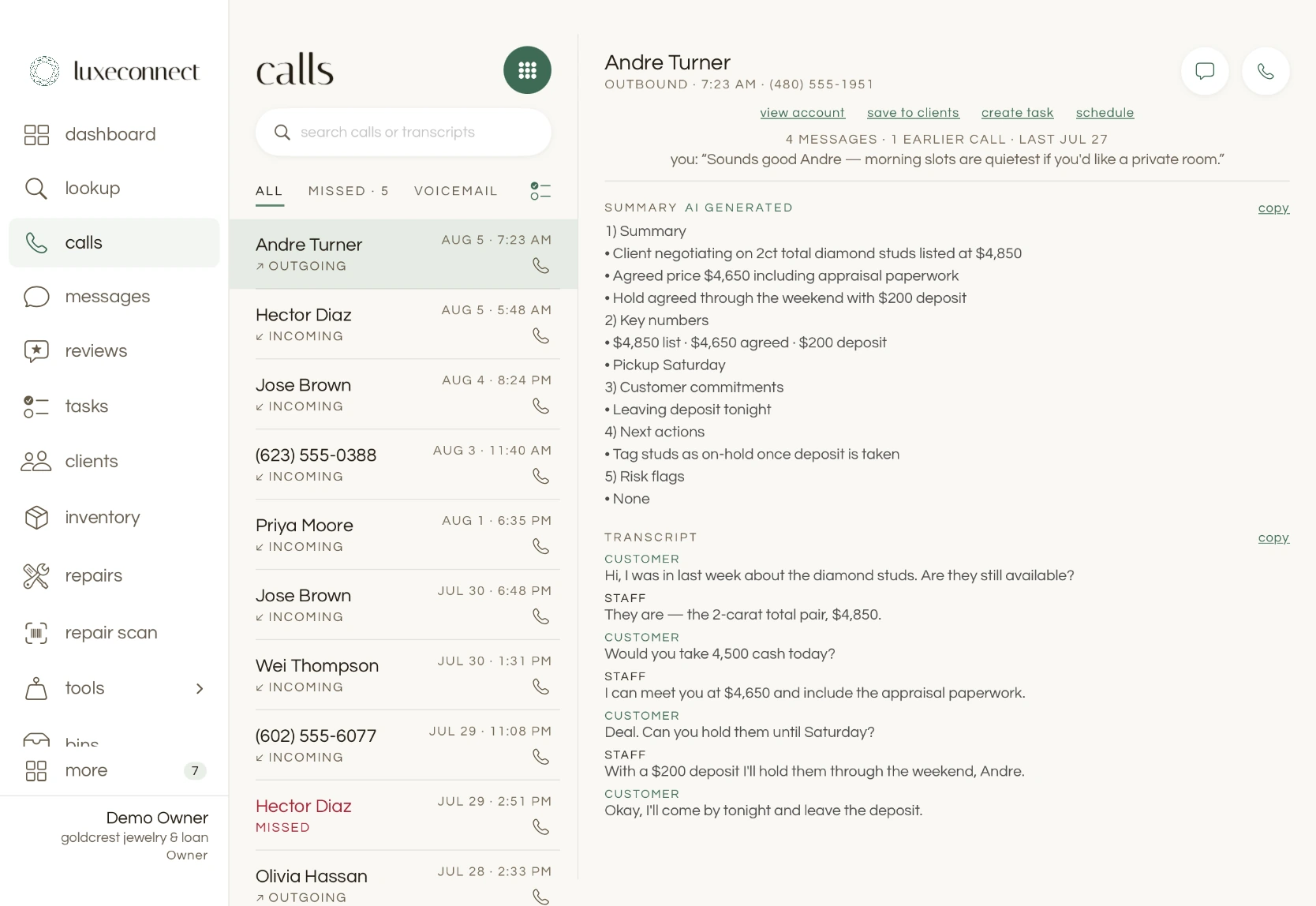
Business calls, text messages and website chat land in a single thread per customer. Carry it on the iPhone and iPad in your pocket, or open it as a panel right inside LuxeOS.
- Calls, SMS and web chat unified by customer
- Reply templates, scheduling and broadcast messaging
- Call recording, voicemail and AI summaries ✦
- Use it standalone, or connected to LuxeOS
· why it's different
what shops keep asking for
What tends to surprise people the first time they see it.
works through an outage
Your records live on-site. An internet drop doesn't close the counter, so you keep writing loans and ringing up sales.
calls recorded and transcribed✦
Every business call is recorded as a matter of course. Turning it into a transcript and a short summary is the AI part ✦, so the details are there for whoever picks the conversation up next.
the full client record
Contact and ID, every loan, purchase, repair and layaway, what they have been worth to the shop, and the notes your team leaves — all next to their calls and texts.
tools for the trade
Live metals pricing, a stone calculator and trade-specific tools come built in, because the people who made it sell this every day.
ditch the landline
The shop's number rings on an iPhone, an iPad and at the register. Same inbox on every one, and nothing tied to a desk.
highly customizable
Shape the layout, fields and workflow around how your shop actually runs, not the other way around.
A note on AI. Anything marked ✦ uses AI and is still in active development. It helps your team draft replies, summarize calls, and sort data. A person reviews before anything goes out. Expect it to be limited at launch and to get sharper over time.
· better together
one shop, one system
LuxeOS runs the counter. LuxeConnect runs the conversation. Use either on its own, or connect the two so a customer's calls and texts sit right alongside their loans, purchases and repairs.
LuxeOS
Lending, point of sale, inventory, buying and repairs. The full counter on one desktop app that keeps working when the internet drops.
explore LuxeOS →· the customer lineLuxeConnect
Calls, texts and web chat in one inbox. Carry it on your iPhone and iPad, or open it as a panel inside LuxeOS at the register.
explore LuxeConnect →· early access
see it on your counter
LuxeOS and LuxeConnect are rolling out to a first group of shops. Tell us about yours and we'll be in touch about early access.